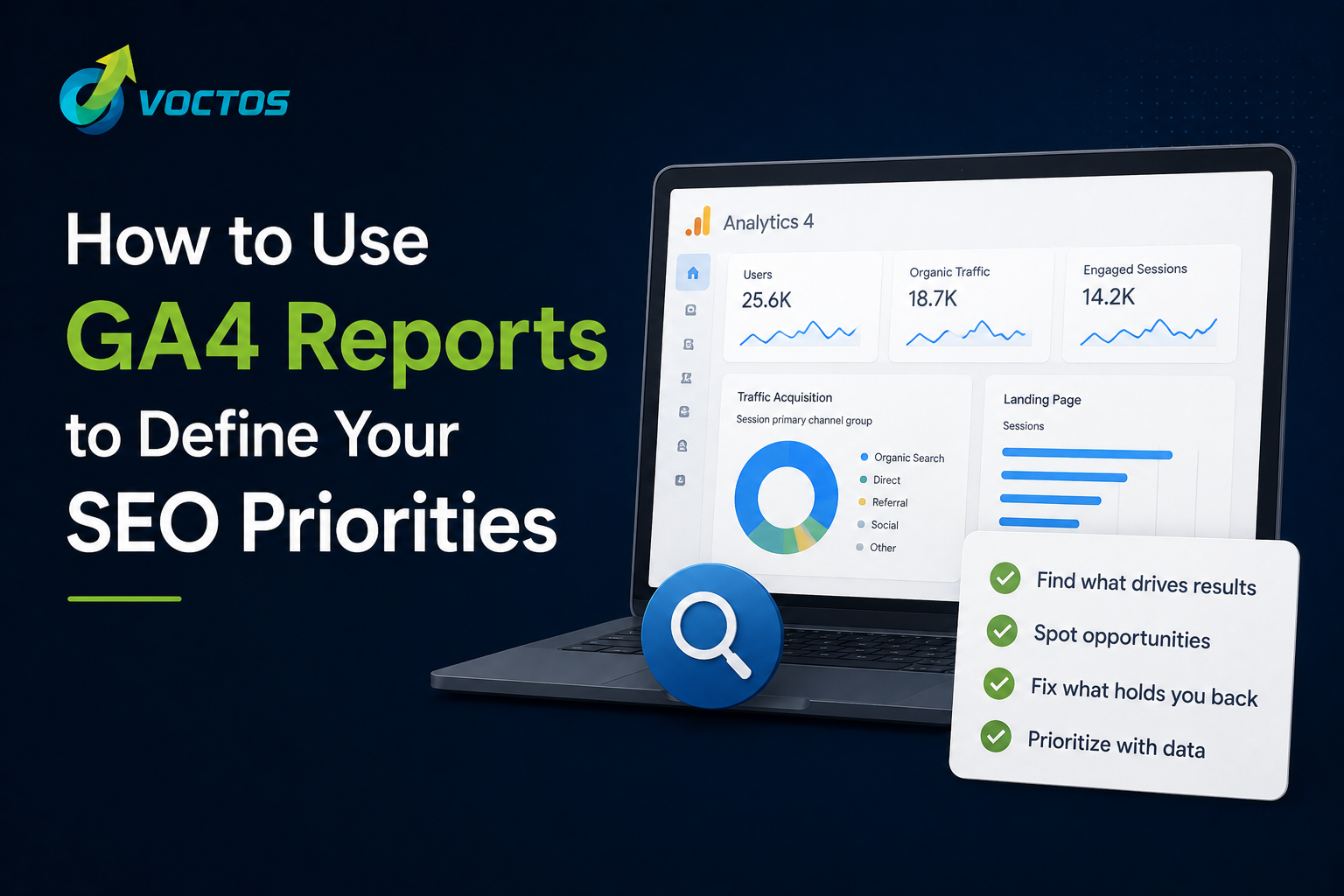
GA4 (Google Analytics 4) is the most flexible analytics platform any SEO team can use to plan, measure, and defend its strategy — but only if you know which reports actually drive decisions. Most marketing teams still default to surface-level dashboards (sessions, users, bounce rate) that look impressive in a deck yet fail to answer a single strategic question.
This guide walks you through the seven GA4 reports we use at Voctos to define quarterly SEO priorities for our clients — from Egyptian B2B brands with 60-day sales cycles to high-volume B2C eCommerce stores. Each report is paired with the exact build steps, the business question it answers, the KPIs to watch, and how to translate its output into SEO action items for 2026.
For the broader measurement framework that surrounds these reports, read our companion guide on The Google Analytics Metrics That Actually Matter for SEO in 2026.
Why GA4 Is Fundamentally Different from Universal Analytics for SEO
GA4 is built around events and user journeys rather than sessions and pageviews. This makes initial setup more complex, but it gives SEO teams a far more accurate view of how organic visitors behave — especially across long, multi-touch journeys typical of B2B and considered-purchase B2C in the MENA region.
The differences that matter most for SEO decision-making are:
- Event-based data model: Every interaction (scroll, click, video play, file download, form submit, outbound link) is an event that can be tracked, filtered, and joined to a conversion. You no longer need to choose between “pageviews” and “events” — everything is an event.
- Engagement rate replaces bounce rate: GA4 measures engaged sessions — sessions lasting 10+ seconds, with 2+ pageviews, or that include a conversion. This is a far more honest signal of content quality than the old bounce-rate metric.
- Exploration reports: GA4’s free-form, funnel, and path explorations let you build custom analyses that Universal Analytics could only produce with paid add-ons or BigQuery exports.
- Cross-platform tracking: GA4 unifies web and app data into a single property — essential for Egyptian brands operating both a website and a mobile app, or measuring users who jump between devices.
- Data-driven attribution (DDA) by default: Conversions are credited across the journey using machine learning, not just the last click. This finally lets SEO get fair credit for upper-funnel content.
- Native BigQuery export: Even on the free tier, you can stream raw event data into BigQuery for unlimited custom analysis — something previously reserved for GA360 customers.
Before You Start: Three Configuration Checks
None of the reports below will produce reliable insights if your GA4 property is misconfigured. Before you analyse anything, verify the following:
- Conversion events are defined explicitly. Do not rely on default events alone. Mark form submissions, WhatsApp clicks, phone-call clicks, booking completions, and revenue events as Key Events in Admin > Events.
- Search Console is linked. Admin > Search Console Links > Link. Without this, you cannot see query-level data inside GA4.
- Data retention is set to 14 months. Admin > Data Settings > Data Retention. The default of 2 months is far too short for SEO analysis.
Report 1: Landing Page Performance With Conversion Filter
The single highest-leverage GA4 report for SEO is the landing page report filtered by organic search traffic and sorted by conversions. It answers the question every SEO program should start with: which organic landing pages are actually generating business outcomes?
How to build it in GA4
- Go to Reports > Engagement > Landing Page.
- Click the pencil icon (Customize report) and add a filter: Session default channel group exactly matches Organic Search.
- Add your key conversion event as a column (e.g. generate_lead, purchase, whatsapp_click).
- Sort by conversions descending and export the top 50 rows.
How to read the output
This single view exposes three strategic gaps:
- Revenue pages: Pages generating organic conversions today — protect these with technical monitoring and refresh them quarterly.
- Content-to-conversion gap: Pages with high organic traffic but zero conversions. These usually need a clearer call to action, an in-content lead form, or better internal links to commercial pages.
- Distribution gap: Pages with strong conversion rates but minimal traffic. These are your fastest SEO wins — invest in on-page optimisation, internal linking, and digital PR to surface them.
Report 2: Organic Search User Journey (Path Exploration)
GA4’s Path Exploration report reveals what organic visitors actually do after they land on your site — which is rarely what your content strategy assumes.
Use it to answer:
- Which pages do organic visitors visit after reading a top-of-funnel article?
- Where do they drop off before converting?
- Which internal links are pulling weight, and which are ignored?
How to build it
- Go to Explore > Path Exploration.
- Set the starting point as Event name = session_start.
- Apply a segment for Session default channel group = Organic Search.
- Switch the node type to Page title and screen name to follow the content path step by step.
For Egyptian B2B brands with long sales cycles, this report often reveals that organic visitors who eventually convert touch five to eight pages before submitting a form. Understanding that journey lets you optimise the intermediate pages — usually case studies, pricing, and service pages — to reduce friction and accelerate the path to conversion.
Report 3: Organic Search by Device Category
In Egypt and the wider MENA region, mobile accounts for 94%+ of internet usage. Yet mobile conversion rates on most Egyptian B2B websites are 60-70% lower than desktop conversion rates. The device category report, filtered to organic search, quantifies that gap — and therefore the revenue impact of fixing it.
How to build it
- Go to Reports > Acquisition > Traffic Acquisition.
- Filter by Session default channel group = Organic Search.
- Add Device Category as a secondary dimension.
- Compare engagement rate, conversion rate, and revenue per user across Mobile, Desktop, and Tablet.
A mobile conversion rate more than 40% below desktop is a high-priority problem. For most Egyptian brands, the root causes are predictable: slow Core Web Vitals on 4G, intrusive interstitials, forms that are too long for thumb input, and CTAs hidden below the fold on small screens. Each is a tractable SEO/CRO project that compounds over a quarter.
Report 4: Content Performance by Scroll Depth
GA4 automatically tracks scroll-depth events at 25%, 50%, 75%, and 90% of page height (Enhanced Measurement must be enabled). Combining scroll depth with the organic landing page report tells you whether visitors are reading your content or abandoning it after the first screen.
Why this matters for SEO in 2026
Google’s Helpful Content system and the broader quality layer behind AI Overviews evaluate whether users find content satisfying. Pages where the majority of organic visitors scroll less than 25% send a negative engagement signal that compounds over time and erodes ranking stability.
How to build it
- Open Explore > Free-form report.
- Dimensions: Landing page + query string and Event name.
- Metrics: Event count and Sessions.
- Apply a filter on Event name containing scroll and segment by Organic Search.
Action items: pages with low scroll depth need a stronger opening hook, a clearer value proposition above the fold, faster-loading hero images, and a tighter information hierarchy. Often the fix is structural rather than additive — cutting filler rather than writing more.
Report 5: Organic Search Conversion Lag (Time-to-Conversion)
GA4’s time-to-conversion data — available in the Path Exploration and User Explorer reports, and in the Conversion Paths report under Advertising — shows how many days pass between a visitor’s first organic visit and their conversion.
- Egyptian B2B brands: typically 7–60 days.
- Considered-purchase B2C (real estate, education, automotive): typically 14–90 days.
- Fast-moving B2C / eCommerce: typically 1–7 days.
This number directly informs how much SEO budget to allocate and how to set realistic expectations with leadership. If your average B2B customer takes 30 days to convert from their first organic visit, an SEO program needs at least 9 months of consistent execution before you can reliably attribute pipeline and revenue to it. Sharing this curve with your CFO is often the single most powerful thing you can do to protect SEO investment during budget reviews.
Report 6: Search Console Integration — Queries in Positions 5–20
Once Search Console is linked, GA4 exposes a hidden gold mine: the Queries report under Acquisition > Search Console. Filter it to queries ranking in positions 5–20 with high impressions and low click-through rates, and you have your quick-win backlog for the next quarter.
These are pages where Google already considers you relevant — you simply are not compelling enough to earn the click. Tightening the title tag, rewriting the meta description, adding FAQ schema, and refreshing the H1 typically moves these pages into the top 5 within four to eight weeks, often without any new content investment.
Report 7: Content Decay Detection
The final report is a custom decay-detection view. Build a free-form exploration combining organic sessions, average engagement time, and scroll depth for every URL in your blog or resource centre, compared period-over-period (last 90 days vs previous 90 days).
Pages that meet all three of the following criteria are your content-refresh shortlist:
- Declining organic sessions (down 20%+ year-on-year).
- Average engagement time under 30 seconds.
- Scroll depth under 50%.
Prioritise URLs that previously generated significant organic traffic — they already have link equity and topical authority, so a thorough refresh (updated statistics, new sections answering current user questions, improved internal linking, and a republish date) usually recovers and exceeds previous performance within two to three months.
Turning GA4 Reports Into a Quarterly SEO Roadmap
Reports only matter if they change what you do next quarter. We recommend the following cadence with our clients:
- Monthly: Review Reports 1, 3, and 6 to catch ranking shifts, mobile regressions, and quick-win opportunities.
- Quarterly: Run Reports 2, 4, and 7 to inform content refresh sprints, UX changes, and internal linking projects.
- Annually: Use Report 5 to recalibrate budget expectations and attribution windows with leadership.
For the strategic layer that sits on top of these reports, read our SEO Content Strategy 2026: A Practical Plan for Egyptian Brands. For the complete framework that ties technical SEO, content, and AI search visibility together, see our SEO Guide 2026: How to Win Search and AI Visibility in Egypt.
Frequently Asked Questions: GA4 Reports for SEO
How do I connect Google Search Console data to GA4?
In GA4, go to Admin > Product Links > Search Console Links > Link. Select your Search Console property and link it to your GA4 property, then publish the link to a web stream. Once linked, you will see Search Console data inside the Acquisition reports — including queries, clicks, impressions, average position, and landing pages — alongside your behavioural and conversion data.
How do I track SEO conversions accurately in GA4?
Define conversion events explicitly and mark them as Key Events. For Egyptian service businesses, the events that matter are typically form submissions, phone-call clicks, WhatsApp button clicks, live-chat opens, and booking completions. Tracking each as a separate key event lets you attribute revenue accurately by channel, campaign, and landing page — and avoids the trap of treating every micro-interaction as equally important.
What is the best GA4 report for identifying SEO quick wins?
The Search Console integration report, filtered to show queries ranking in positions 5–20 with high impression counts and low click-through rates. These pages are visible in search but not compelling enough to earn the click. Rewriting title tags and meta descriptions, adding schema, and refreshing on-page copy typically delivers ranking and traffic improvements within four to eight weeks — with no new content production required.
How do I use GA4 to identify which content needs to be updated?
Build a custom exploration combining organic sessions, average engagement time, and scroll depth for all blog and resource URLs, compared period-over-period. Pages with declining organic traffic, engagement time under 30 seconds, and scroll depth under 50% are refresh candidates. Prioritise URLs that previously had significant organic traffic — these are the ones most likely to respond to content improvement because the topical authority is already in place.
Is GA4 enough for SEO reporting, or do I need additional tools?
GA4 is sufficient for behavioural and conversion analysis, but it does not show ranking positions, backlinks, or competitor data. A realistic SEO stack in 2026 combines GA4 (behaviour and conversions), Search Console (queries, impressions, indexing), a rank tracker (Ahrefs, Semrush, or SE Ranking), and a crawler (Screaming Frog or Sitebulb). GA4 is the system of record for outcomes; the others are the system of record for causes.
How long should I keep GA4 data for SEO analysis?
Increase the default data retention from 2 months to 14 months in Admin > Data Settings > Data Retention. For longer-term analysis — which most SEO programs need — connect GA4 to BigQuery via the free native export and store raw event data indefinitely. This unlocks year-on-year comparisons, cohort analysis, and AI-assisted querying that the standard interface cannot deliver.

Related items
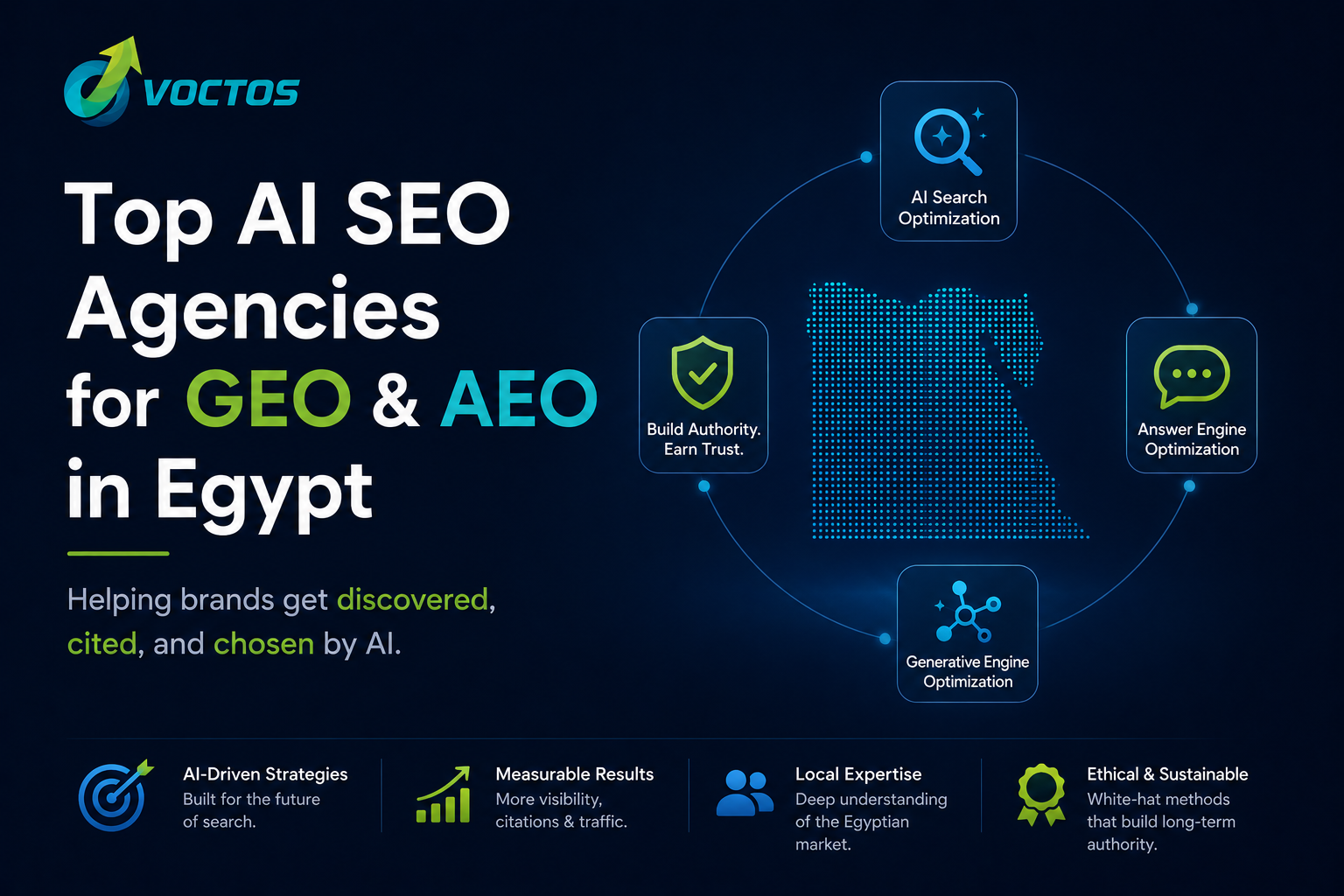
AI is no longer a future search channel — it is THE search channel. Across Egypt, the Gulf
In May 2025, Google officially rolled out AI Mode — a search experience powered by Gemini
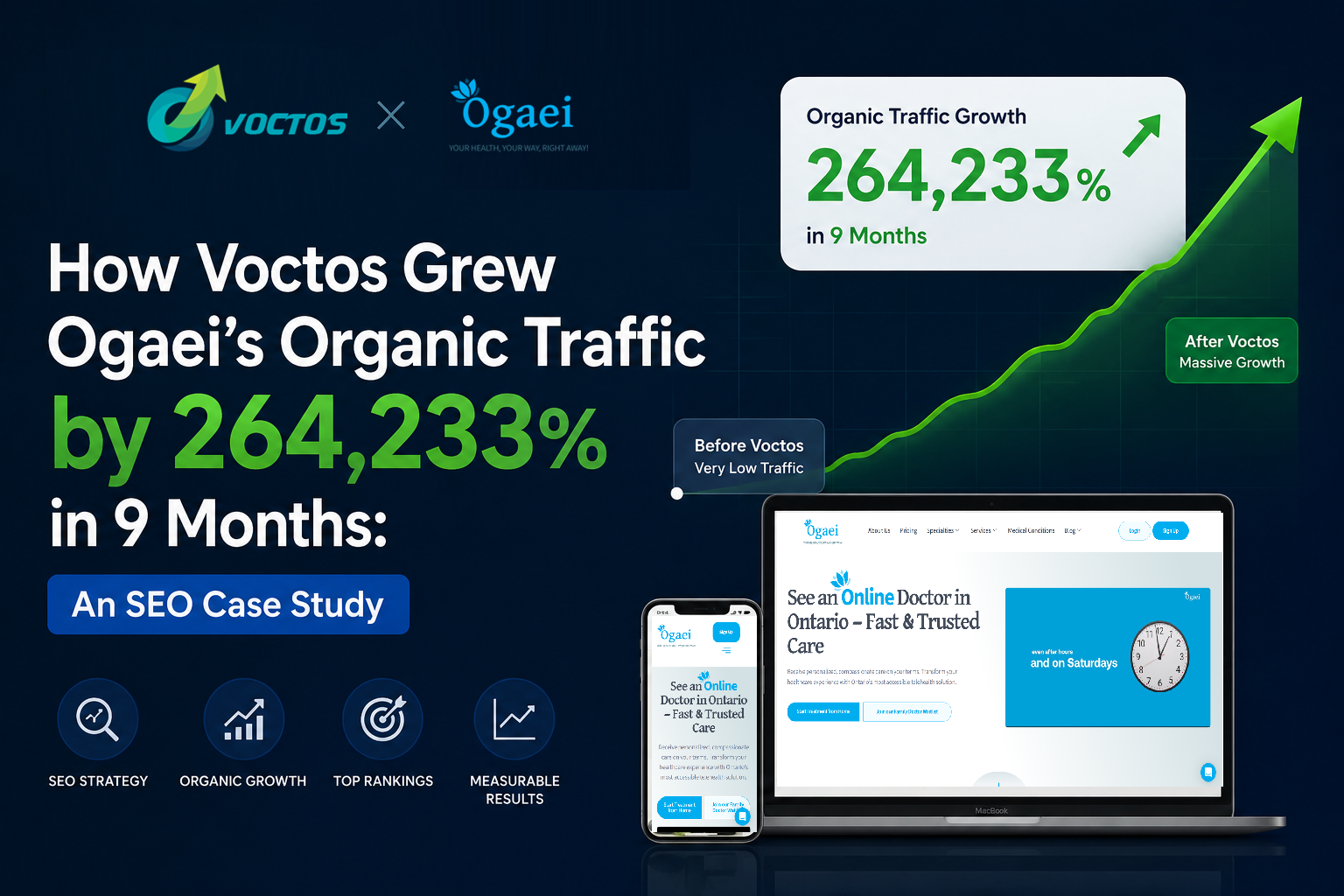
.cs-wrap{font-family:’Segoe UI’,Arial,sans-serif;color:#1a1a2e;max-width:900px;margin:0 au